Without
Without a wallet
“How many points do I have?”
- Asking staff at the till
- Lost cards, forgotten codes
- Points that quietly expire

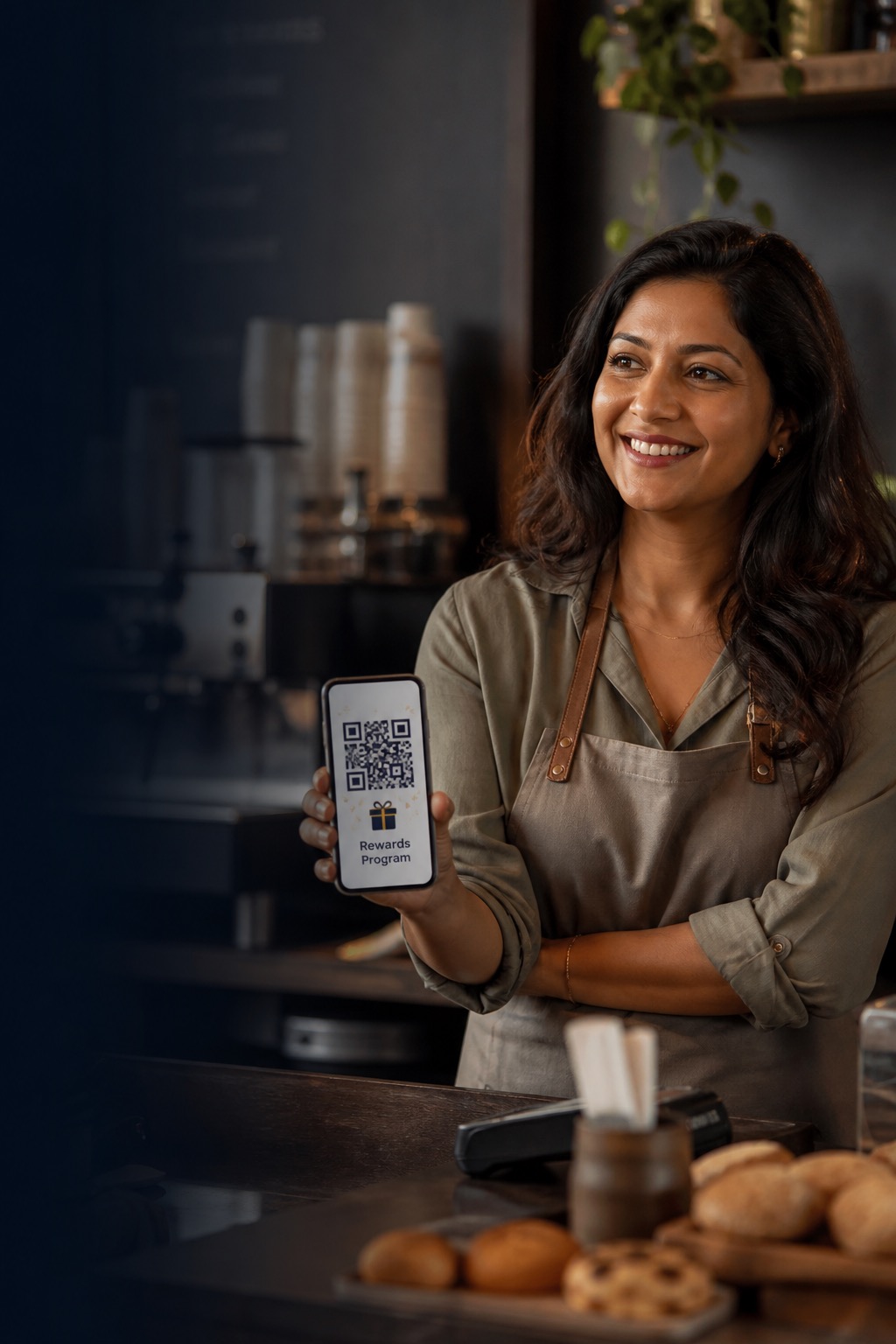
Members open your portal, get a code on WhatsApp and see their points, coupons and rewards, with a QR code to show at the counter. Nothing to download.

Enter your mobile number. We'll send a 4-digit code on WhatsApp.
Enter the code we sent
Signs in automatically once all 4 digits are in.
Sunrise Bakery · Main Road
2,450 pts
550 pts to Platinum
20% off your next bill
Code WELCOME20 · valid till 30 Nov
Show this at the counter
2 more visits for a free coffee.
The problem
A paper card gets lost. An app never gets installed. So the balance you gave them goes unused, and they don't come back to spend it.
Without
Without a wallet
Becomes →
With OwnRewards
With your member portal
How it works·The inbox
Capabilities·Built in
8 things it does, all in plain view, with no buried settings.
It opens in the phone's browser. Members can add it to their home screen if they like.
A 4-digit code goes to the member's own WhatsApp. A limit on tries keeps other people out.
Your name, logo and colour on every screen, so it feels like your own app.
Each one shows its code, expiry and where it can be used — anywhere, or only at the store that issued it.
For chains: the member picks a store, sees that store's balance, and can join another store from the wallet.
A personal invite link with the referral offer written out. Your referral limits (per day, per member, in total) apply.
Members can read how points, tiers and expiry work, in plain words, without asking staff.
You decide which tabs appear and how the visit steps read, right from your admin.
Example·Illustrative numbers, not customer data
Priya scans the table QR
Opens your member portal
Enters her mobile number
4-digit code on WhatsApp
Her wallet opens
2,450 pts · Gold · WELCOME20
Shows the QR at billing
20% off applied
Invites her cousin
Referral link sent
Why it works (example)
Priya scans the QR on her table, enters her mobile number and gets a WhatsApp code. She is in. Her wallet says 2,450 points, Gold tier, and a 20% coupon (WELCOME20) with a QR. She shows it at billing, the staff scan it, and the bill drops. Before she leaves she taps Invite friends and sends her cousin the link. Her cousin verifies with a WhatsApp code and joins, and Priya's referral reward waits for the cousin's first bill.
No. The member portal opens in their phone's browser. They can add it to the home screen for one-tap access if they want.
Set it up this week. Try Pro free for 14 days, or watch it live in a 30-minute demo.
Card at signup, charged after the 14-day trial. Cancel before day 14 and pay nothing.